

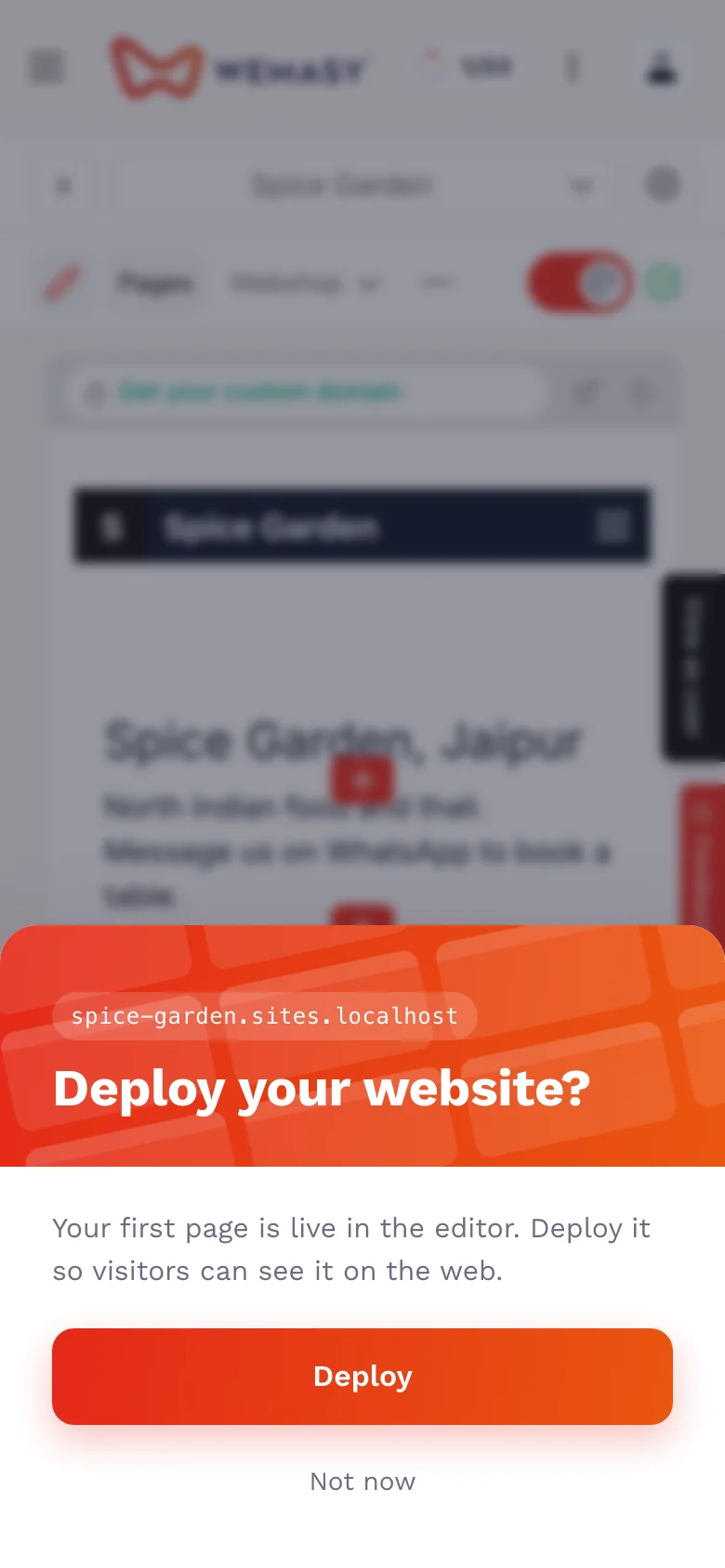
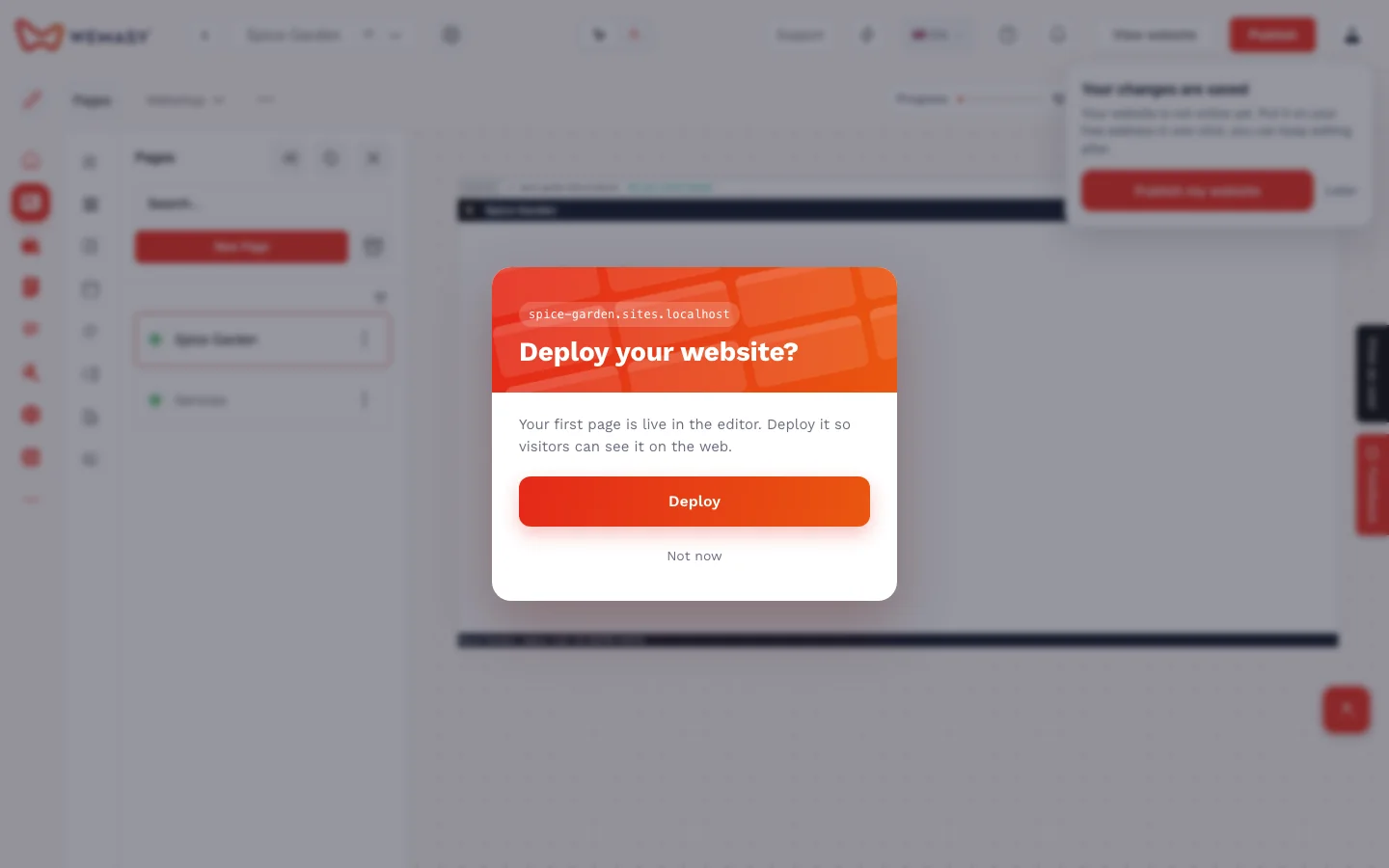
When the first page of your website is ready, WEMASY asks "Deploy your website?" in a popup. One tap on Deploy puts your page online on your free wemasy.app address. You do not have to look for a second publish button. This article shows what happens when you tap it and what to check before you do.
What the Deploy popup does
The popup appears when your first page is ready. Tap Deploy and WEMASY publishes your website straight away, the same way as the Publish button in the header of the builder. Your site goes live on your free address that ends in wemasy.app.
If the header is not on screen where you are, the popup takes you to the publish page instead, where you publish from.
After you deploy
Your site opens in a new tab and you stay in the builder, so you can keep working. The confirmation also has a View website button.
Check before you deploy
Your visitors see your site as soon as it is published, so take a minute first:
- Read your texts, especially names, opening hours and contact details.
- Look at the first page on your phone as well as on a computer.
- Check that the address in the confirmation is the one you expect.
See After you publish checklist for what to look at next.
You are always in control
Publishing is your own tap. Nothing goes live until you choose Deploy or the Publish button. If you ask the AI chat to publish, it asks for your confirmation first. See AI chat confirmations and changes.
Your own domain later
The free wemasy.app address keeps working. When you want your own domain name, you can connect it later. See Connecting a domain to your project.
Frequently asked questions
When does the Deploy popup appear?
When the first page of your website is ready.
Where does my site go live?
On your free address that ends in wemasy.app.
Is Deploy different from the Publish button?
No. It does the same thing from the popup, so you do not have to look for the button.
Can I keep editing after I deploy?
Yes. You stay in the builder and can publish changes again when you are ready.
Does the popup publish without asking me?
No. Nothing is published until you tap Deploy or Publish yourself.