

An AI website builder is a tool that builds a website from a conversation instead of from an empty page. You describe your business in your own words, the AI turns that into a first version of your site, and you shape it from there. This matters because the hardest part of a website is often the start, not the building. This article explains what an AI website builder does, how the process works step by step, and what you should still check yourself before your site goes online.
How is an AI website builder different from a normal website builder?
A traditional website builder starts with choices. You pick a template, then a layout, then you fill in boxes with text and pictures. It gives you control, but it asks you to make many decisions before you have anything to look at.
An AI website builder reverses the order. You say what you need first, and you get something to look at second. The AI builds the first version for you from what you tell it. You then react to a real draft, which is much easier than imagining one from a blank screen.
Both approaches end in the same place: a website you can edit and publish. The difference is how you get to the first version.
How does an AI website builder work?
The process looks like a conversation with a helpful assistant who is building your site while you talk.
1. You describe your business
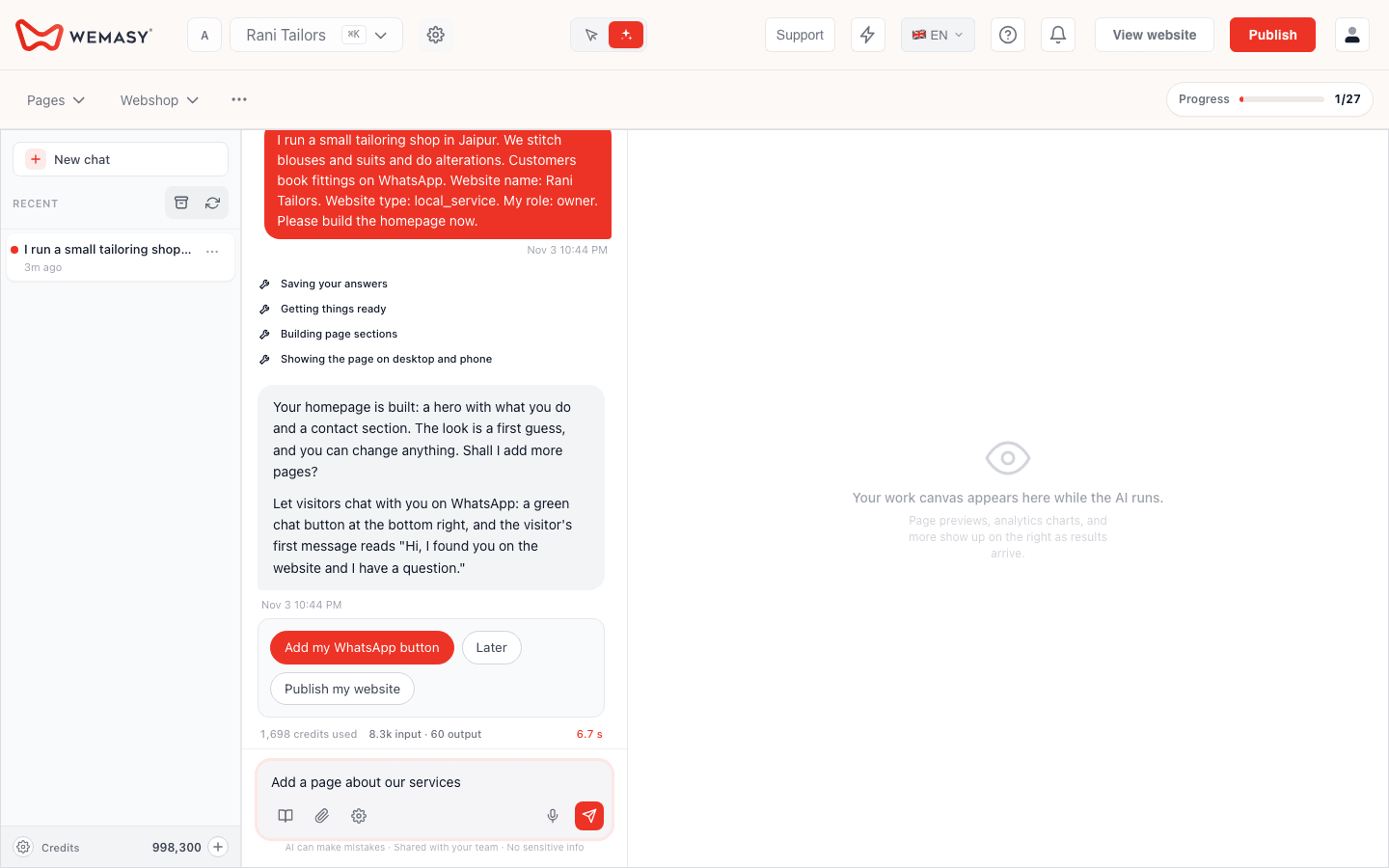
You write a few sentences: what you do, where you are and who your customers are. The more concrete you are, the better the first version. "I run a bakery in Pune and we take birthday cake orders" tells the AI far more than "bakery business".
2. The AI asks follow-up questions
A good AI builder asks short questions to fill the gaps: what you want visitors to do, how they can reach you, what you want to show. In WEMASY the AI chat also offers to add a WhatsApp chat button, so visitors can message you from day one. The number, the style and the first message are set under Styles, WhatsApp.
3. You get a first version
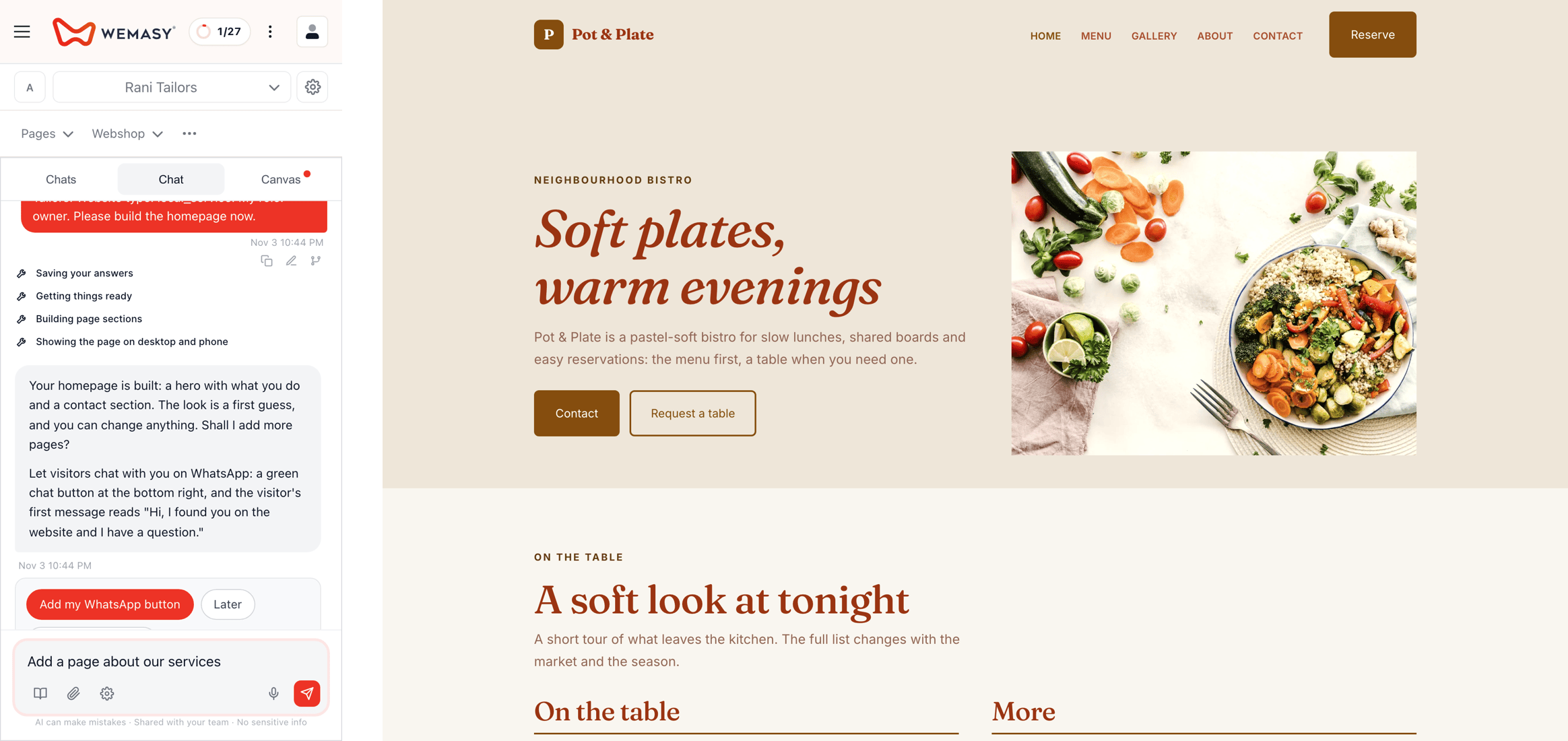
The AI builds a first look of your site from your answers. You can open it on your phone and on a laptop and see how it reads.
4. You change it in plain words
You can ask for changes in the chat, such as "make this shorter" or "add a page about our services", and the AI makes them. You can also open the site and edit any text yourself. The AI gives you a head start, it does not lock you out.
5. You publish when you are ready
Your customers see nothing until you publish. When you do, your site goes live on a free wemasy.app address, and you can connect your own domain later if you want one.
What an AI website builder is good at
An AI builder is strongest where a blank page is the problem:
Getting started. It turns a few sentences into a draft within a short conversation.
Speaking your language. You can tell it what you need in the language you use every day. WEMASY works in Hindi as well as English.
Making changes without menus. You describe the change instead of hunting for the right setting.
What you still check yourself
An AI builder is a fast starting point, not a finished product, and a good owner checks a few things:
The facts. Address, opening hours, prices and phone number must be exactly right. The AI only knows what you told it.
The tone. Read the text out loud. If it does not sound like you, change it or ask the AI to rewrite it.
The pictures. Make sure they show your real business.
The first impression on a phone. Most visitors will see your site there first.
Checking takes a few minutes and is the difference between a site that looks generated and one that feels like yours.
Who an AI website builder is for
It suits people who know their business well but do not want to learn website tools. Typical examples are a shop owner, a salon, a tutor, a repair service or a small restaurant. It also suits people who have started a site before and stopped halfway, because the conversation gives a clear way to finish.
It is less about replacing every skill and more about removing the first hurdle. If you later want to go deeper, you can still edit every part of the site by hand.
What happens after the first version
A site is never finished. Once it is online you will notice what visitors ask for and what is missing. Add it one step at a time, either by asking the AI or by editing the text yourself. The AI uses credits when it works for you, and you can see what uses them and add more when you need to.
Frequently asked questions
Can an AI website builder make a site in my own language?
Will the AI change my site without me knowing?
What if the AI gets a fact wrong?
Can I edit the text myself afterwards?
Do I need my own domain to start?
How do visitors contact me?
What do the AI credits pay for?
If you want to see how this feels for your own business, start the AI chat, describe what you do in a few sentences and look at the first version on your phone.