

Most small business owners do not want to "build a website". They want customers to find them, see what they offer and get in touch. The AI website builder starts from there. You do not pick a template first. You tell the AI about your business, in your own words, and it builds the first version of your site for you to look at.
This guide shows you how that works for a local business, such as a shop, a salon, a repair service or a small restaurant. You can follow every step on your phone.
What is an AI website builder?
An AI website builder is a tool where you describe what you want and the software builds the website for you. Instead of starting from an empty page and dragging blocks around, you start with a short conversation.
In WEMASY you open the AI chat, answer a few questions about your business and the AI builds a first look of your site. After that you stay in control: you can ask the AI to change something, or you can open the site and edit any text yourself. Your customers see nothing until you publish. The AI is a fast starting point, not a locked box.
The problem is that a website feels like a big job
Ask a shop owner why they still have no website and you hear the same things:
"I do not know where to start."
"I do not have time to write all the text."
"I tried once and gave up halfway."
"It will cost too much and I will not be able to change it later."
These are not technical problems. They are problems of the first step. A blank page asks you to make dozens of decisions about colours, menus and layouts before you have said a single word about your business. Many people stop there.
How people who get this right start
The owners who end up with a good site tend to do the same few things, whatever tool they use:
They start with the customer's question. What does someone nearby want to know when they search for you? Opening hours, where you are, what you sell, how to reach you.
They say it in plain words. "We repair phones, same day, near the bus stand" is better than a long company slogan.
They keep the first version small. A home page, a page about what you offer and a way to contact you is enough to be found.
They improve it after it is live. A site that is online and slightly imperfect beats a perfect site that never launches.
An AI builder fits this way of working, because the conversation itself is the planning. You answer the same questions you would answer for a customer.
Build your site step by step
Step 1. Start the AI chat and say what your business does
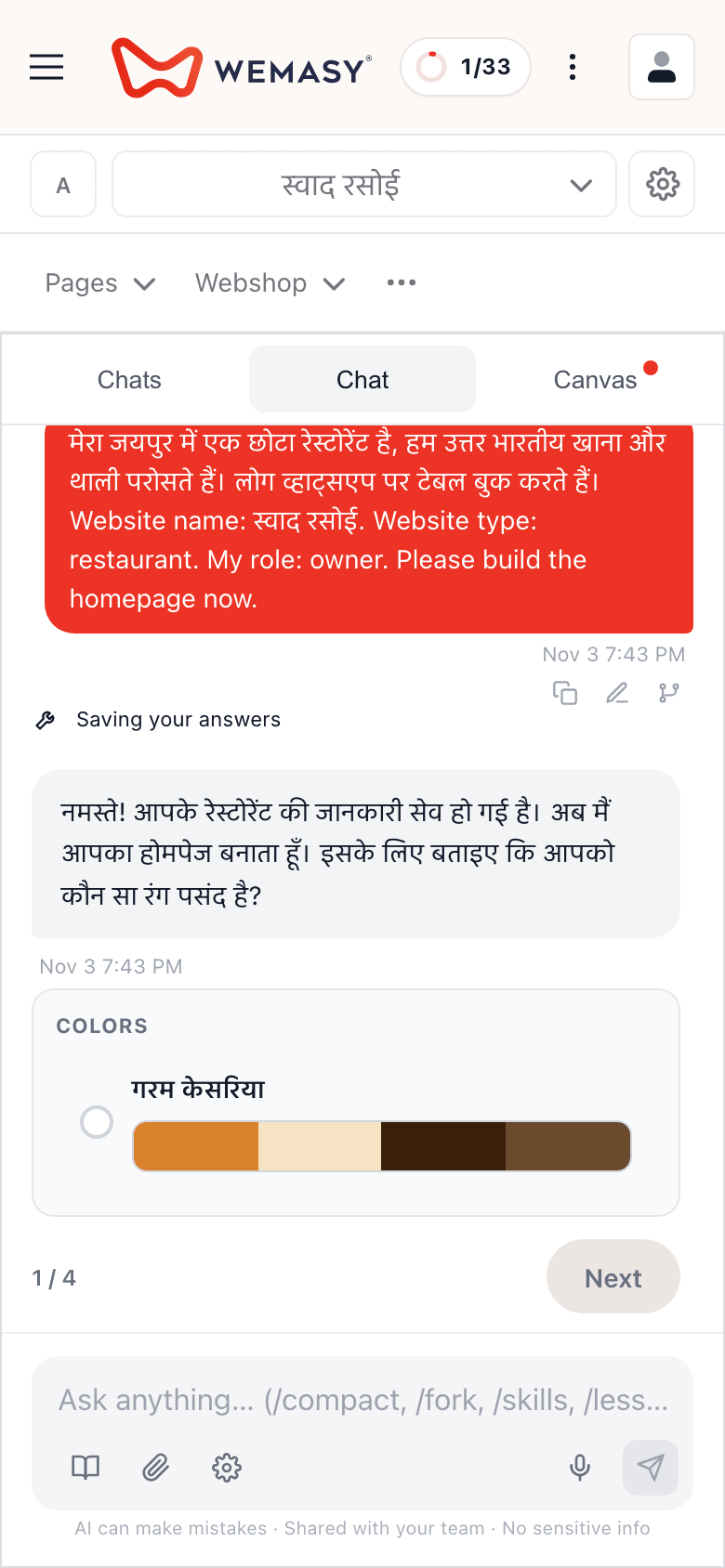
Open the AI chat and describe your business in a few sentences: what you do, where you are and who your customers are. You can write in your own language. WEMASY works in Hindi as well as English, so you can tell the AI what you need in the language you use every day.
Be concrete. "I run a tailoring shop in Jaipur, we stitch blouses and suits and do alterations" gives the AI more to work with than "tailoring business".
Step 2. Answer the AI's follow-up questions
The AI asks short follow-up questions about your business. Answer them the way you would explain things to a new customer. If it asks something you are not sure about, say so and carry on. You can always change it afterwards.
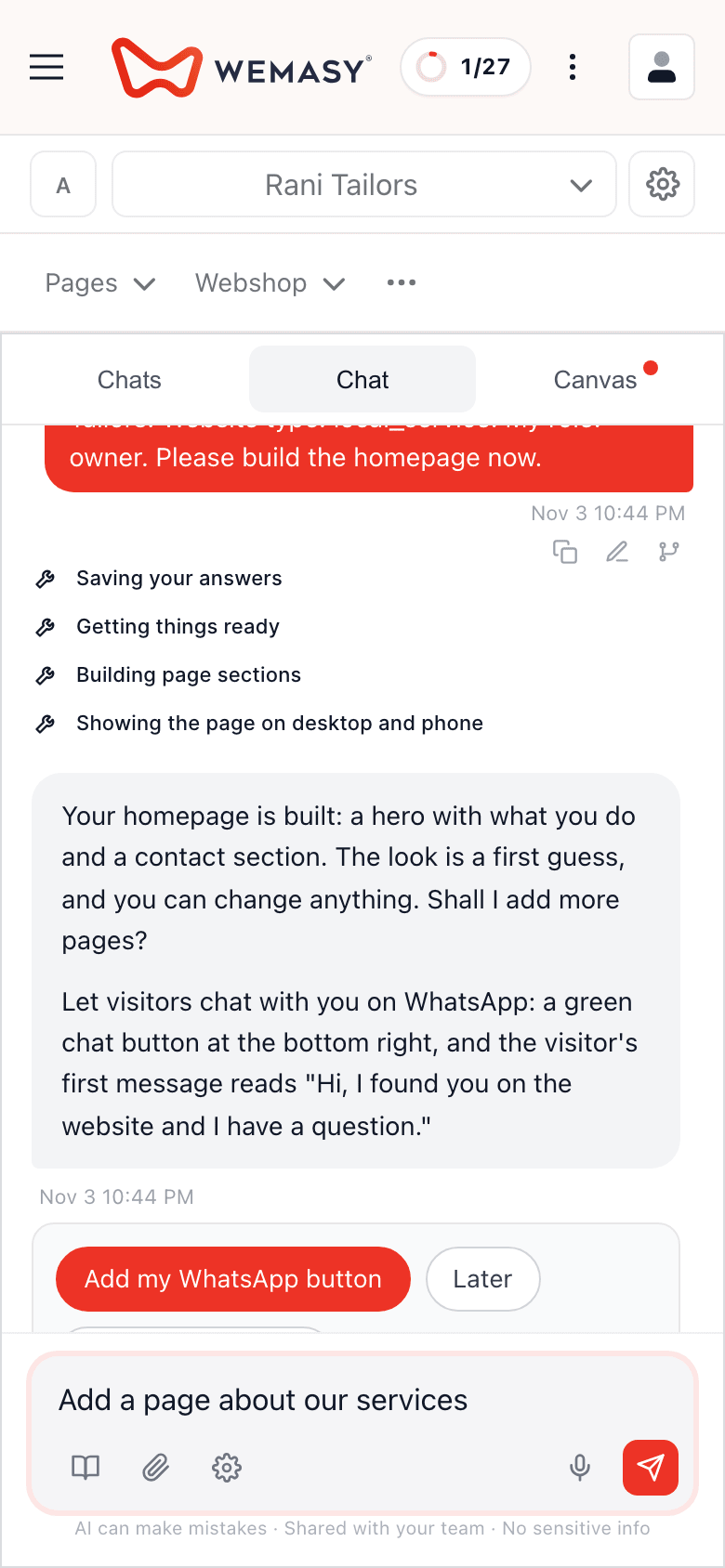
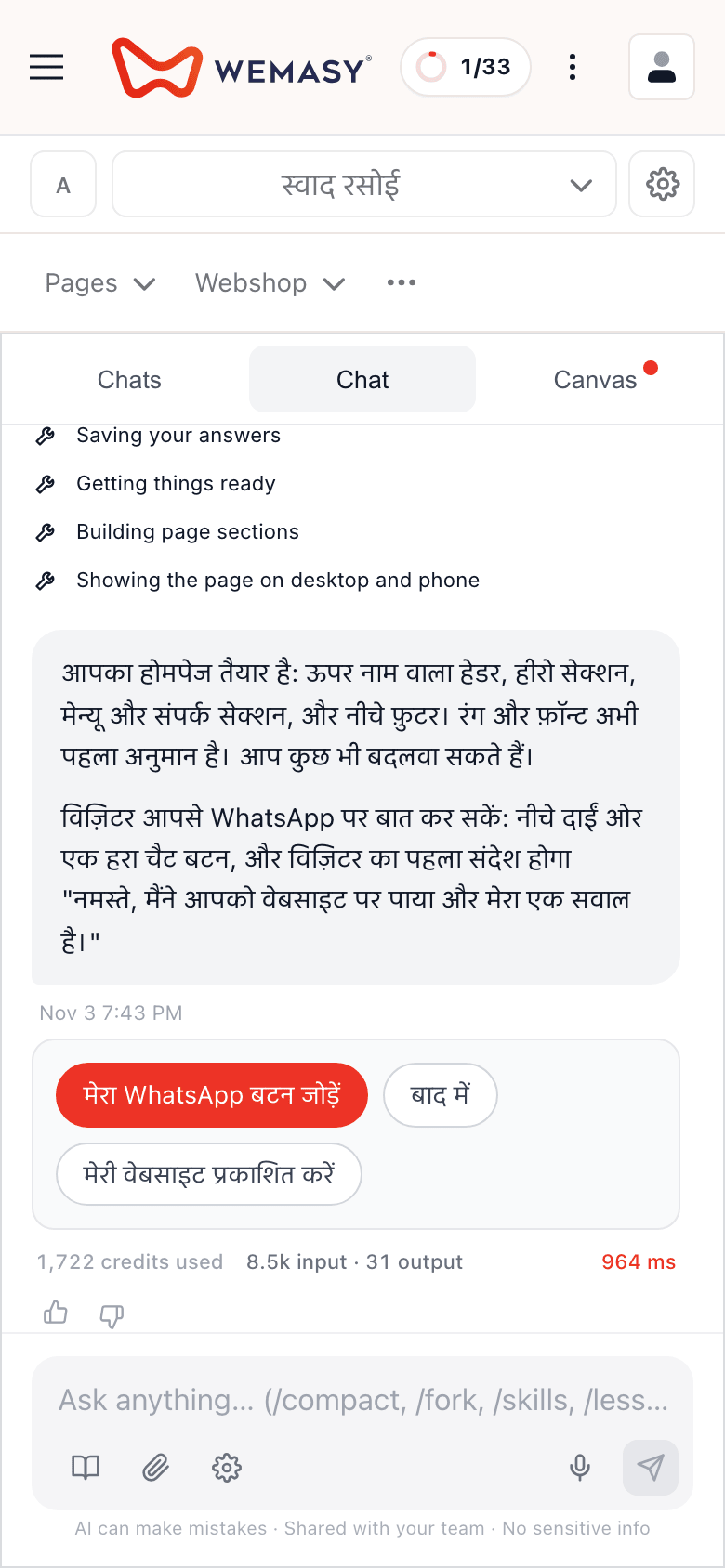
Along the way the AI chat also offers to add a WhatsApp chat button to your site. It shows as one short card with two choices, Add my WhatsApp button and Later. If you add it, the button starts as a chip in the bottom right corner. The full set (number, style, corner and the first message visitors send you) is under Styles, WhatsApp, and you can change it at any time.
Step 3. Look at the first version
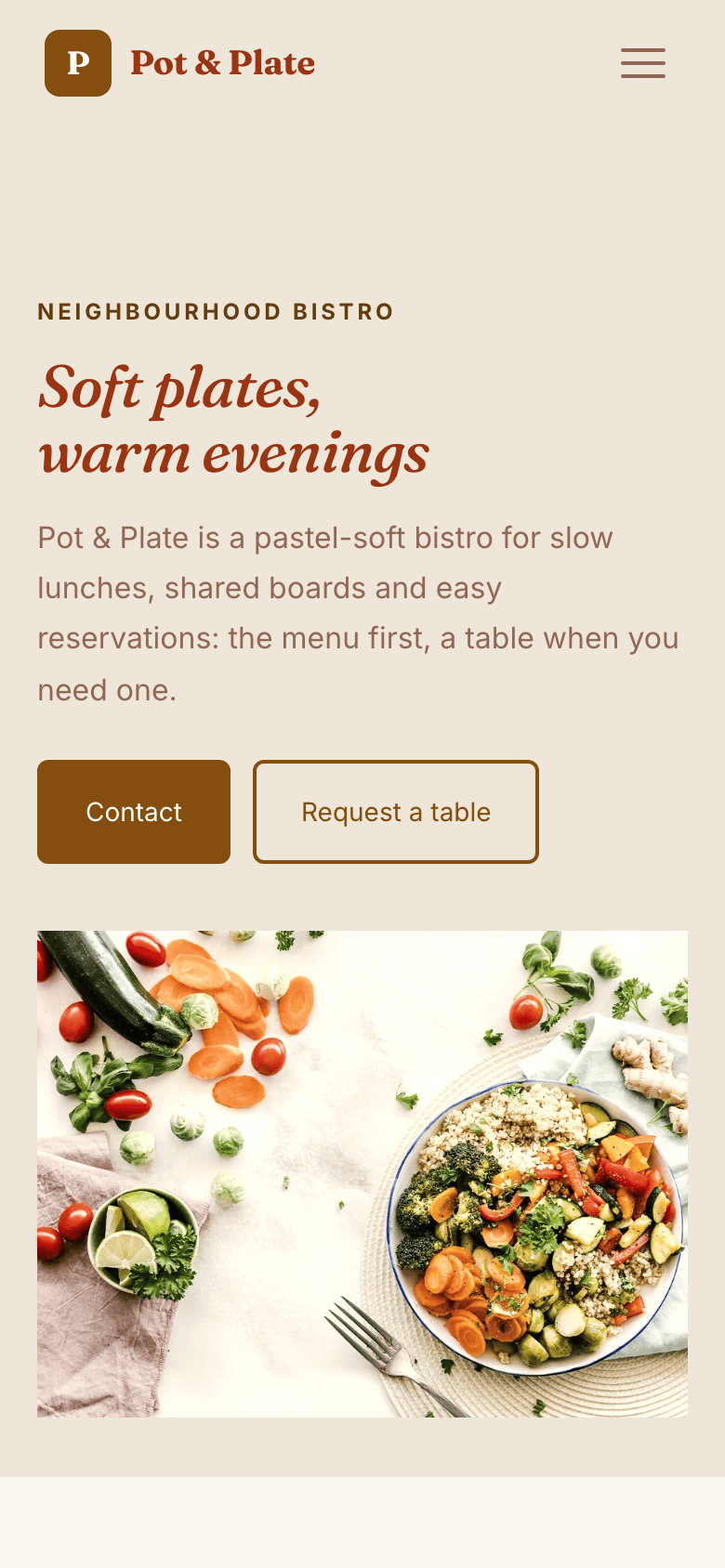
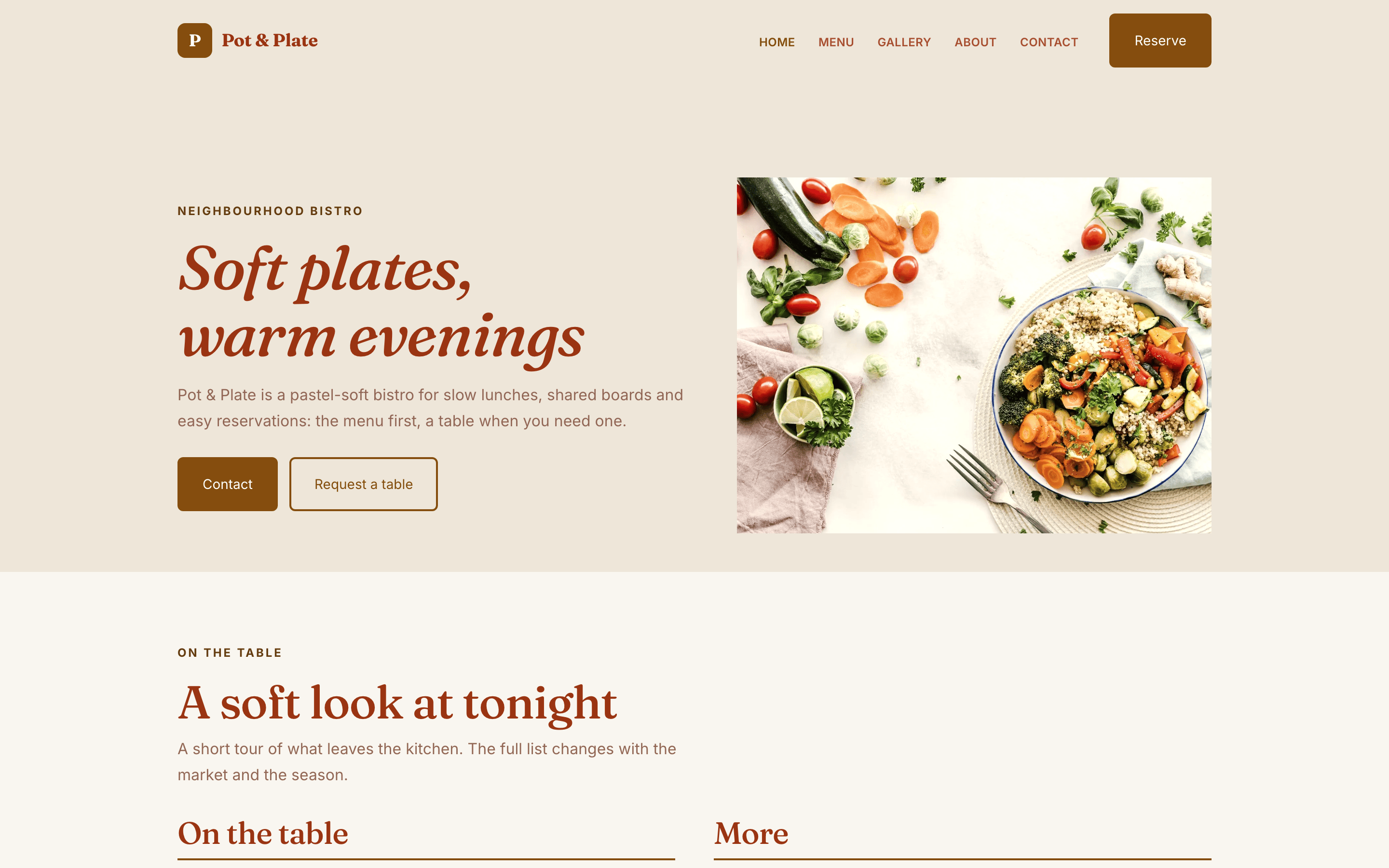
The AI builds a first look of your site from what you told it. Look at it on your phone first, because most of your customers will do the same. Check three things:
Is your business name and what you do clear at the top?
Are the facts right: address, hours, the things you sell?
Does the contact button do what you expect?
Step 4. Ask for changes in plain words
Do not like a sentence, or want a new page? Ask the AI in the chat: "make the text shorter", "add a page about our services", "write the opening hours as Monday to Saturday, 10 to 7". The AI makes the change and you check it.
You stay in charge: nothing is visible to your customers until you publish your site.
Step 5. Edit any text yourself
At any time you can open the site and change any text by hand: a price, a phone number, a sentence you want to say differently. Using the AI does not take this away. Many owners ask the AI for the big changes and fix small details themselves.
Step 6. Put it online
When the site looks right, publish it. Your site goes live on a free WEMASY address that ends in wemasy.app, so you can share the link at once: on WhatsApp, on a shop board or on a visiting card. If you later want your own name, such as yourshop.in, you can connect your own domain. A domain of your own is a paid step.
What to check before you share the link
Take two minutes and look at your site the way a stranger would:
Open it on a phone with a slow connection if you can. Does it load?
Tap every button once.
Read the text out loud. If you stumble, a customer will too.
Send the link to one friend and ask what they think you sell.
Keep improving it
A site is never finished. Once it is live, you will notice things: a question customers ask again and again, a photo you forgot, a service you started offering. Add them one at a time. Each small improvement makes it easier for the next customer to find what they need.
The AI uses credits when it works for you. You can see what uses them and add more when you need to, so there are no surprises.
What makes this different
You start with a conversation about your business, not with an empty page.
It works in your own language, including Hindi.
You get a first look to react to, instead of a blank editor.
You can ask the AI for changes in plain words, and edit any text yourself.
Nothing goes live until you publish it yourself.
Your site can be online on its own address in a short time.
Frequently asked questions
Do I need to know anything about websites?
Can I write in Hindi?
Can I change the text the AI wrote?
Does the AI put things on my website without me knowing?
What does it cost to start?
Can customers contact me on WhatsApp?
Try it on your own business
Start the AI chat, tell it about your business in your own words and look at the first version on your phone. Then decide whether it is for you.