

Transferring ownership hands a project to another person. The new owner gets full control of the project, including its settings, collaborators, and the danger zone. Use it when you build a website for a client, or when someone else takes over a website.
Before you transfer
- Only the owner can transfer. Collaborators, also those with full rights, do not see this option.
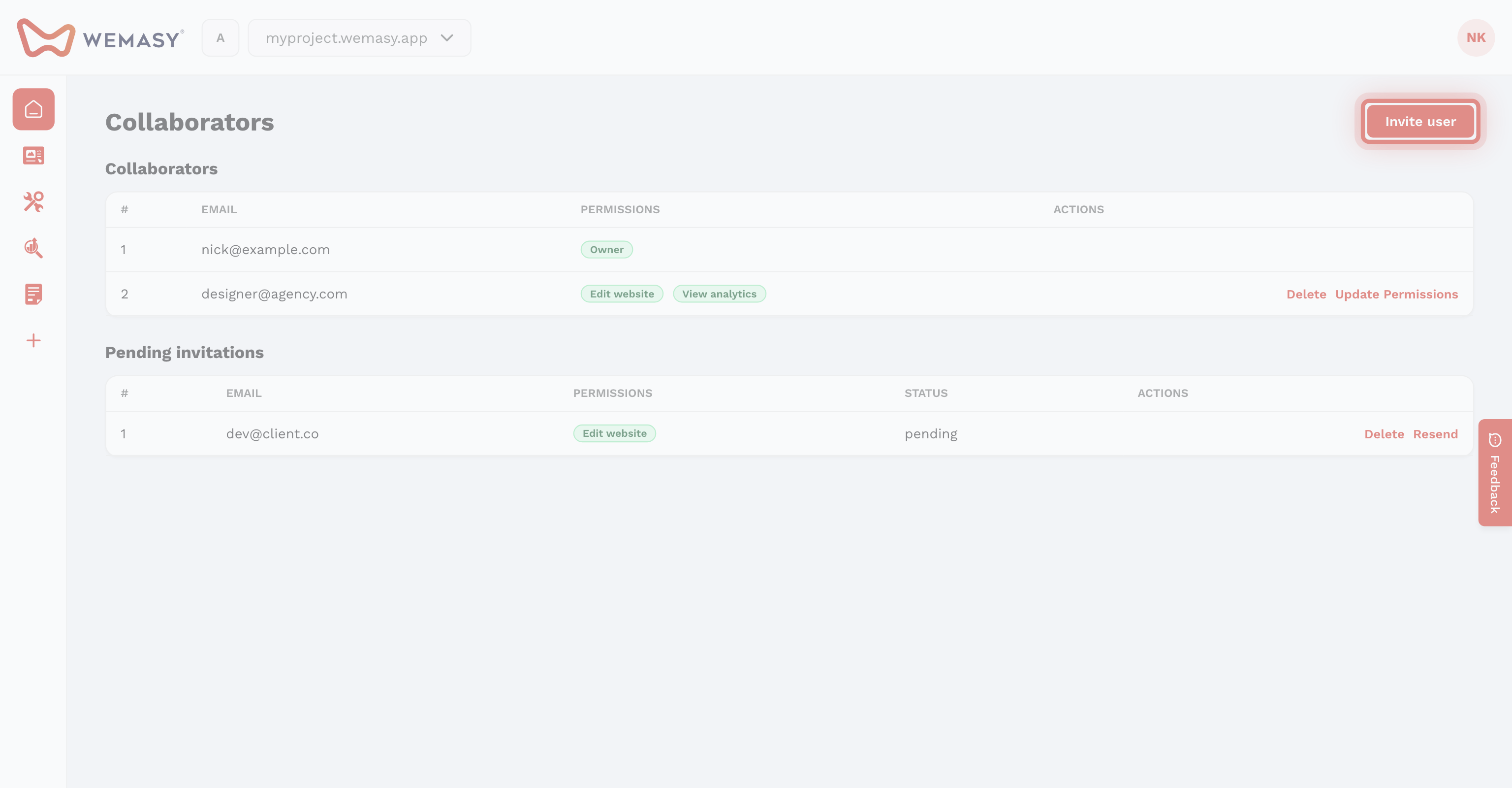
- The new owner must be a collaborator. Invite the person first and wait until they accept the invitation. See Inviting collaborators.
- Your email address must be verified. Accounts with an unverified email cannot transfer a project.
How to transfer ownership
- Open the project in the project switcher.
- Click the gear icon next to the project switcher.
- Open the General tab.
- Scroll down to Danger Zone.
- Next to Transfer Ownership, click Transfer.
- If you use two factor authentication, enter your security code.
- Choose the new owner in Select User.
- Click Transfer.
- Confirm that you want to transfer the project.
Select User lists the email addresses of the people on the project. If the person you want is missing, they have not accepted their invitation yet.
What happens after the transfer
- The new owner gets full rights and sees the Danger Zone.
- You stay on the project as a collaborator. You lose your owner rights, and the new owner decides what you may still use or removes you.
- The pages, settings, domain, and data of the project stay exactly as they are.
You cannot undo a transfer yourself. Only the new owner can transfer the project back to you.
Frequently asked questions
Why do I not see the Transfer Ownership option?
Only the owner of the project sees the Danger Zone. Check in the Collaborators list who the owner is, and ask that person to make the transfer.
What about the plan and invoices of the project?
The transfer moves the project itself. If you have questions about who pays for the plan after a transfer, create a support ticket before you transfer. See Support tickets.