

An automated campaign, such as a welcome series, sends its emails per person: after they join a list, or after the previous email. With campaign mode you decide who gets those emails on their own and who waits for your approval first. This article explains the two modes, the Waiting tab and the History tab of a campaign.
The two modes
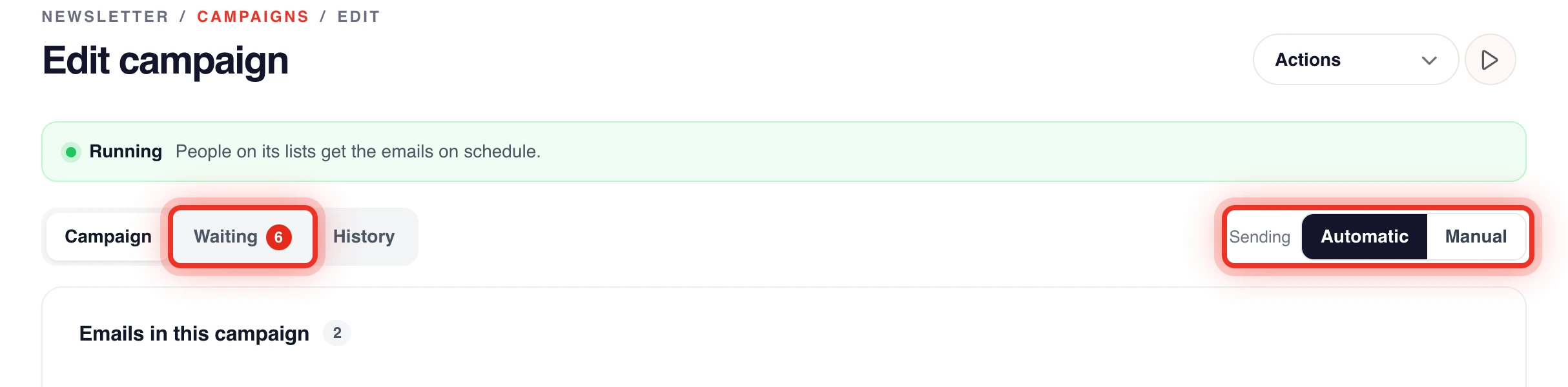
The mode switch appears in the top right of a campaign that has automated emails. It shows Sending with two options.
- Automatic: new subscribers get the campaign on their own. People who were already on the list when the campaign started wait for your approval. This is the default.
- Manual: everyone waits for your approval before they get anything.
Only automated emails wait. Emails sent at the start of the campaign, on a date, or as a one time newsletter go to the whole list as before.
Change the mode
- Open Newsletter & Campaign from the product switcher.
- Click Campaigns and open the campaign.
- Next to Sending, click Automatic or Manual.
- Confirm the question that appears.
When you switch to Manual, the Waiting tab opens, so you see who waits.
Approve or deny people who wait
The Waiting tab lists every person and email that waits for you, with a count on the tab. Each row shows the person, the email (for example mail 1 of 2), why it waits and when it goes out after approval.
- Click the Waiting tab.
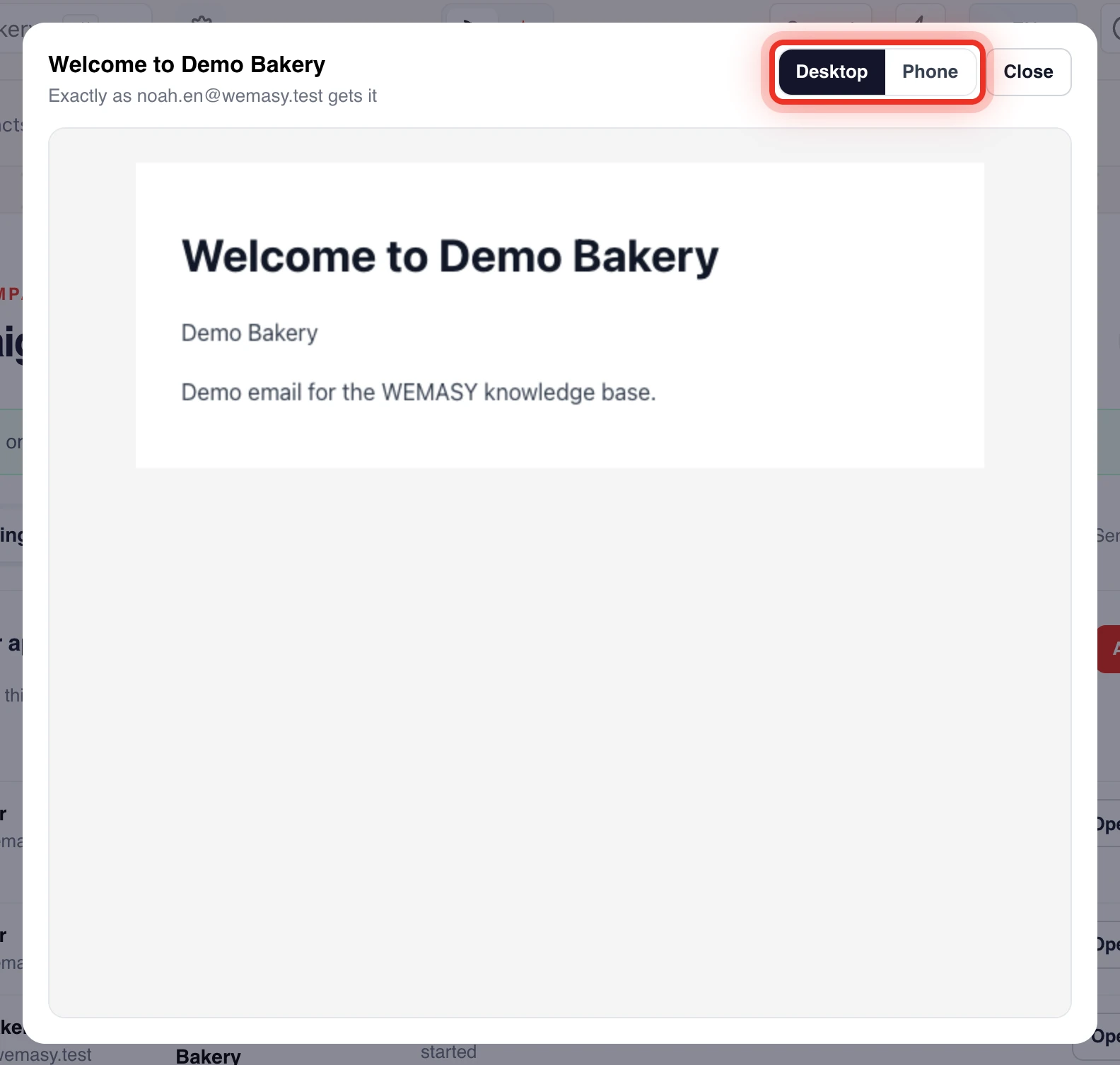
- Click Open on a row to see the email exactly as that person gets it. Switch between Desktop and Phone.
- Click Approve or Deny on the row.
- Confirm.
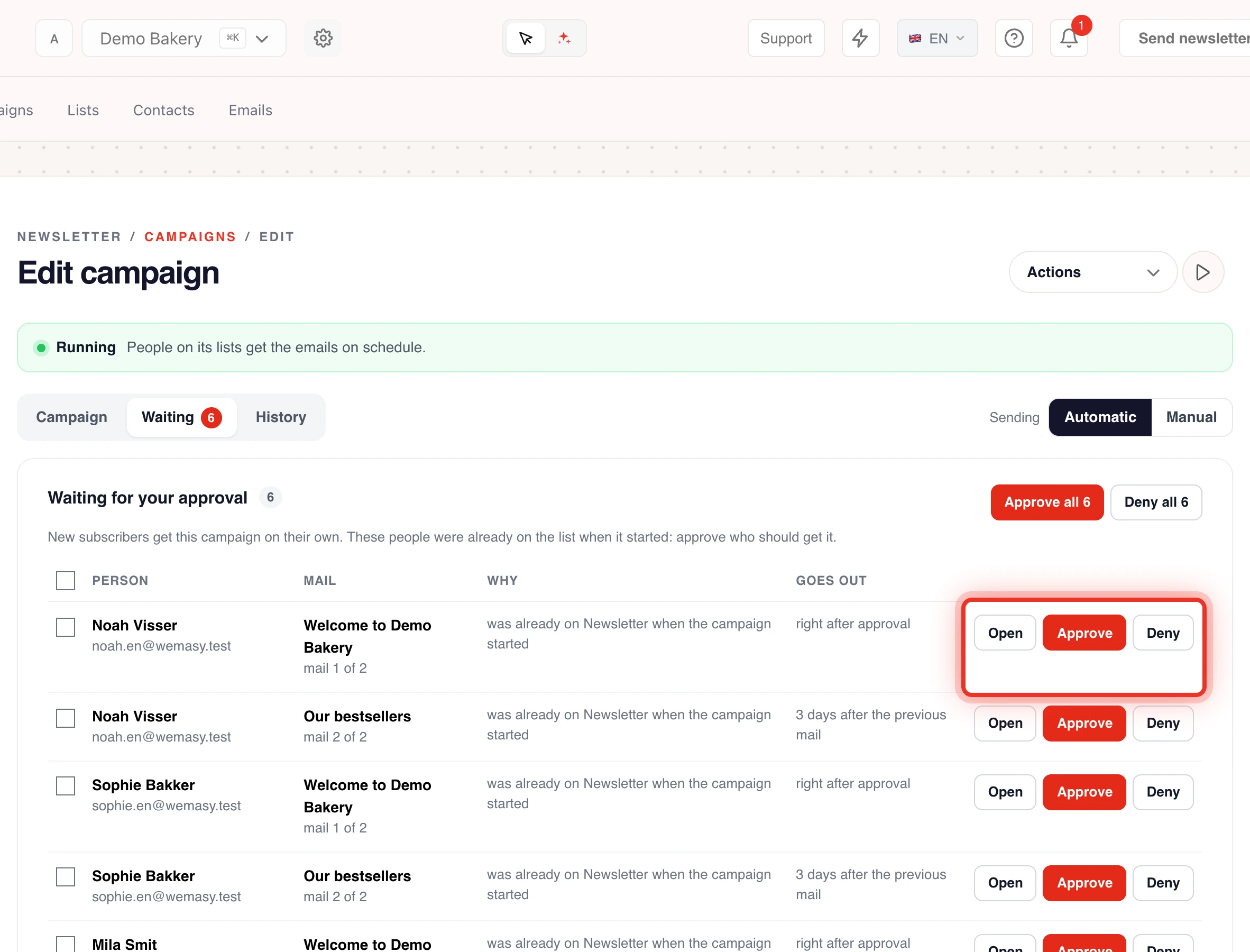
To handle many people at once, tick their rows or click Select all, then click Approve or Deny. You can also click Approve all or Deny all.
An approved person gets the emails of this campaign from now on, counted from the moment you approve. A denied person never gets this campaign. Emails a person already received are not sent again.
See what went out
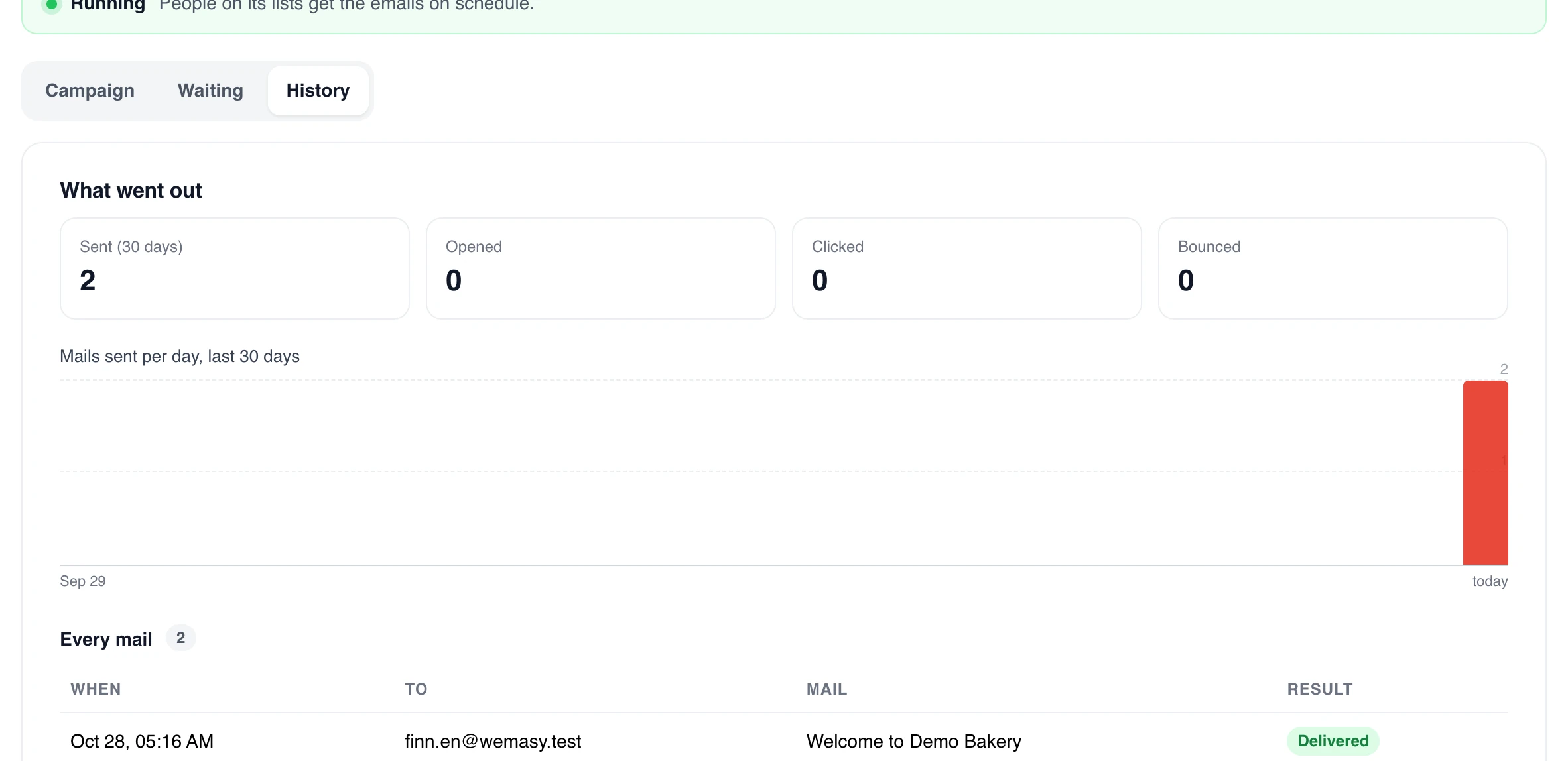
The History tab shows What went out in the last 30 days: the totals Sent (30 days), Opened, Clicked and Bounced, a chart of mails sent per day, and under Every mail each email with when, to whom and the result. Under Approved and denied you find every decision. For more numbers, see Campaign results and statistics.
Frequently asked questions
Why do people on my list show as waiting?
In Automatic mode, people who were already on the list when the campaign started wait for your approval. This way an older list never gets a welcome series by surprise. Approve the people who should get it.
Before campaign mode, these people were skipped. If your campaign ran before, you may now see them on the Waiting tab.
Does Manual mode stop my newsletters?
No. Only automated emails wait. A newsletter or an email sent at the start or on a date goes to the list as before.