

You can talk to the WEMASY AI chat in the language you use every day. The AI replies, and writes the text for your pages, in the language of your latest message. This works for Hindi, Gujarati, Bengali, Punjabi, Tamil, Telugu, Kannada and Malayalam, in their own script, and for English and many other languages. This article explains how it works and what to do when the AI answers in the wrong language.
How the AI chooses a language
The AI looks at the language of your latest message and answers in that language. If you write in Hindi, the AI answers in Hindi. If your next message is in English, the AI answers in English. You do not have to change a setting first.
The same goes for the text of your pages. When you ask the AI to write or change a text, it writes it in the language of your message, so the page text matches how you talk to your customers.
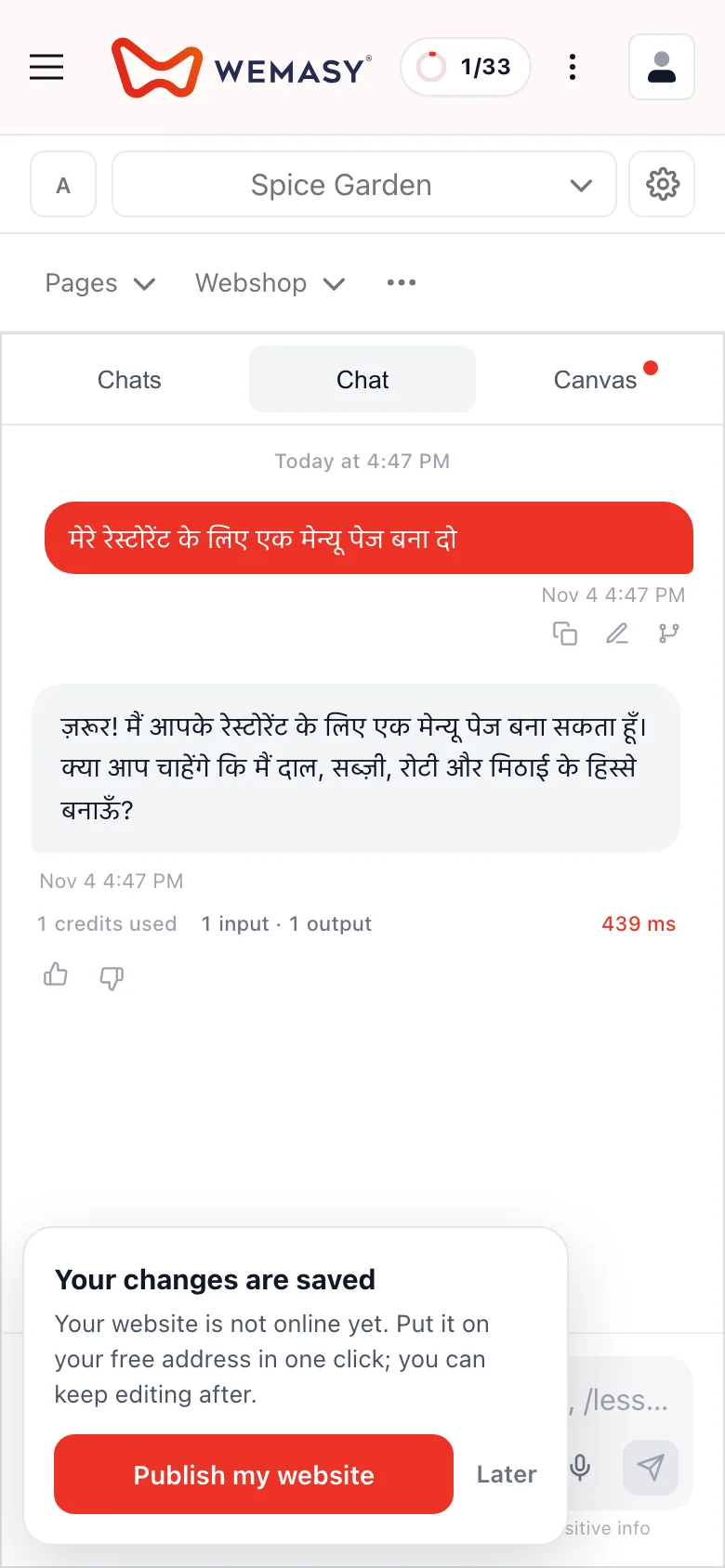
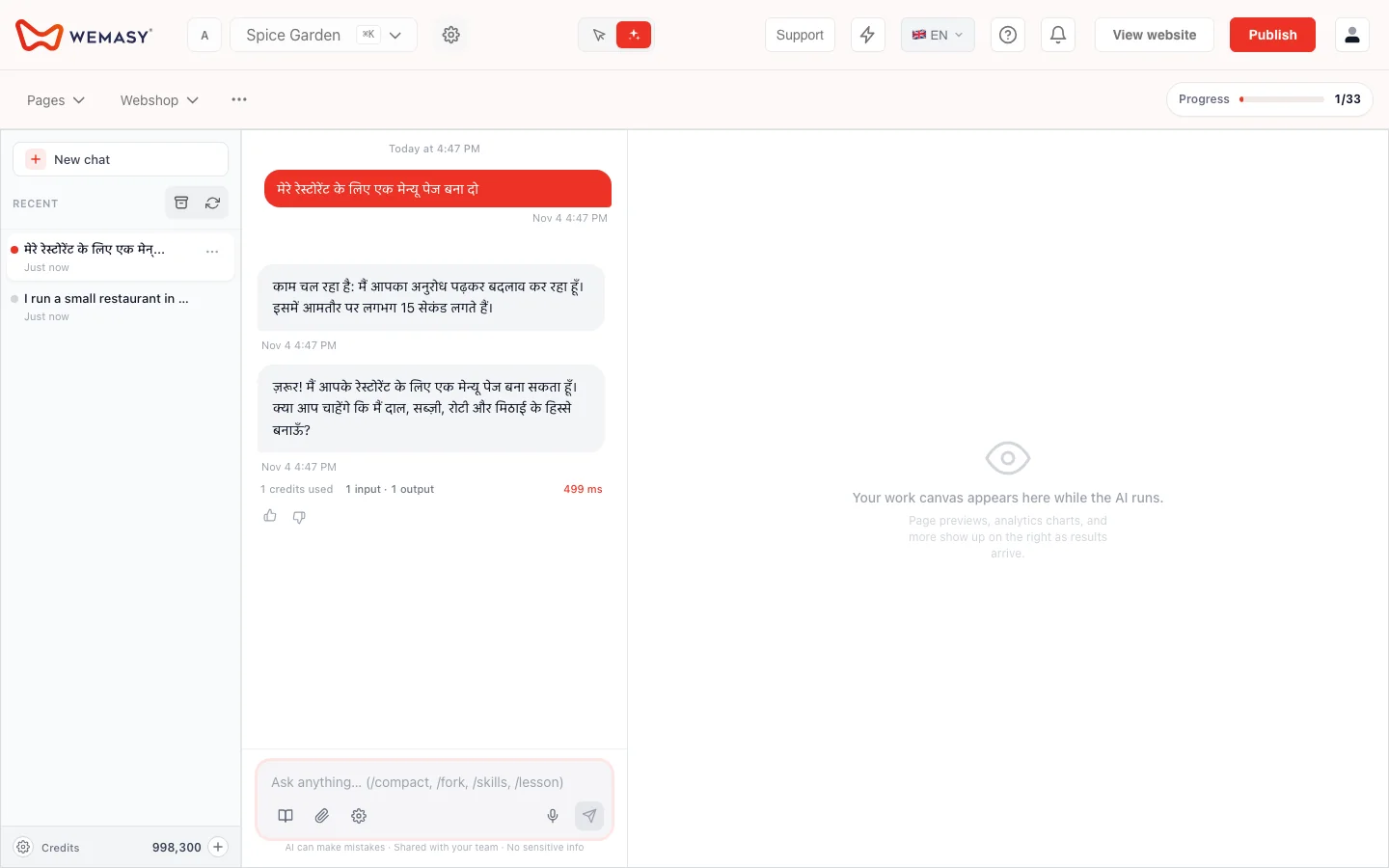
Languages you can use
You can write to the AI in Hindi, Hinglish (Hindi written in Latin letters), Gujarati, Bengali, Punjabi, Tamil, Telugu, Kannada and Malayalam. English and many other languages work as well. For the Indian languages, the AI answers in the script of that language, and a check makes sure the reply and your page text use that script.
When the AI answers in another language
The AI chooses from the language it sees in your message. A very short message, or a message that mixes languages, gives it little to go on, so it may answer in a different language than you expected. If that happens, write your next message in the language you want the answer in, and the AI follows it.
A website in a second language
One website has one language. If you also want your site in another language, it becomes a separate, linked website. Ask the AI in the chat and it first asks you to confirm. See Using AI in the Website Builder.
Frequently asked questions
Do I have to choose a language in a setting?
No. The AI follows the language of your latest message.
Can I use the AI chat in Hindi?
Yes. Write in Hindi and the AI answers in Hindi.
Does it work in Gujarati, Bengali, Punjabi, Tamil, Telugu, Kannada and Malayalam?
Yes. The AI answers in the script of the language you write in.
Can I write Hindi in Latin letters?
Yes. Hinglish is one of the languages the AI recognises.
Why did the AI answer in English?
A short or mixed message can leave the AI unsure. Write your next message in the language you want and the AI follows it.
Does the AI write my page text in my language too?
Yes. Page text follows the language of your message.