

AI has made it possible to build a whole website, or even a small application, by simply describing what you need. That is good news for anyone with a business to run. It also hides something: the moment a website is live, a list of security decisions comes with it. Who can log in? Who can publish? What happens to the details your visitors leave? This article walks through those decisions and shows where WEMASY helps you with each of them.
Why AI makes security easier to forget
When an AI builds the first version of your site in minutes, it feels as if the work is done. But a live website is also a login, a form that strangers can fill in, and a store of personal details. None of these go away because the pages were built quickly. Security is not a feature you add at the end. It is a handful of choices you make once and keep an eye on.
Who can log in to your account
The account is the front door to your whole website, so start there.
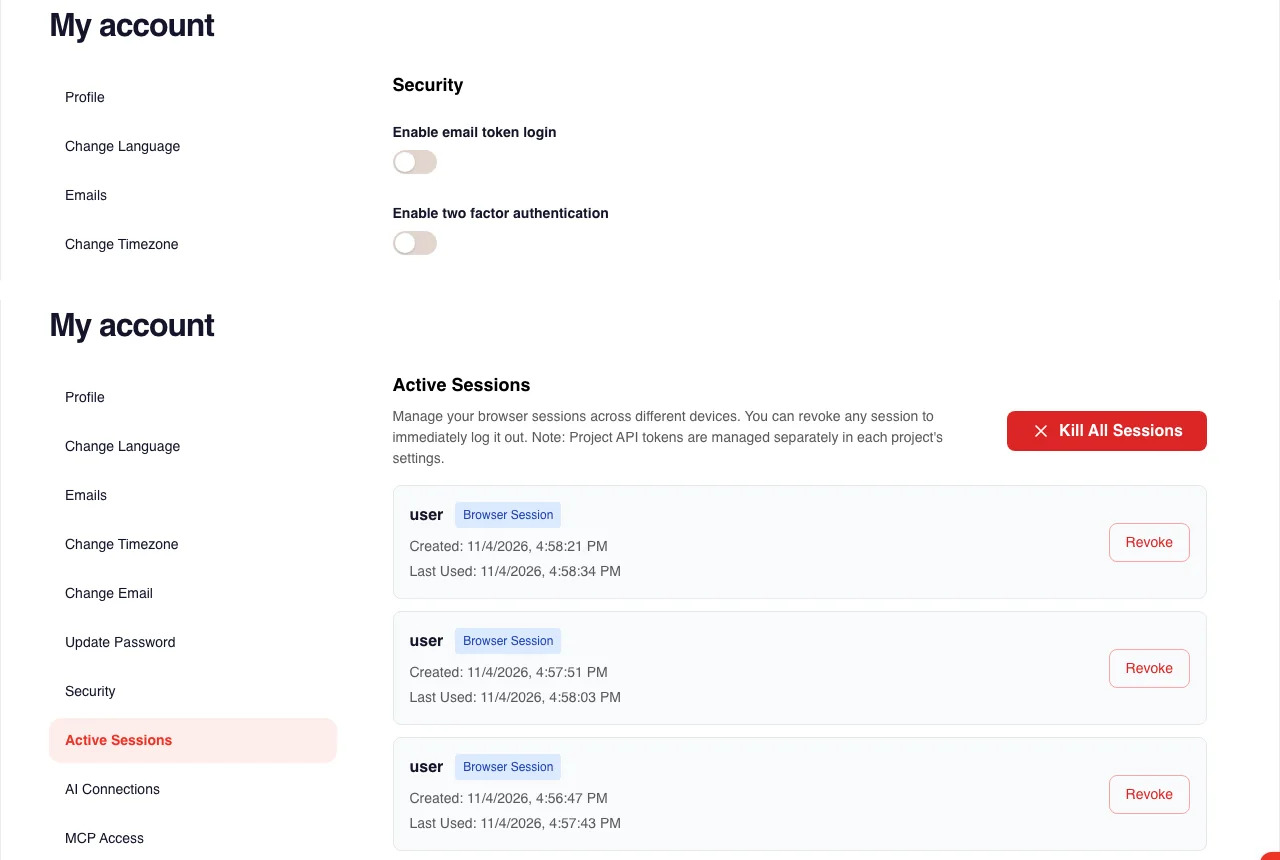
Use a strong password and switch on two-step verification. WEMASY supports an authenticator app, and gives you recovery codes in case you lose your phone.
Changes to your security need two proofs. Every security change, such as a new password or a new email address, needs a code sent to your email and your password.
Look at your active sessions. You can see where you are logged in and end sessions you do not recognise.
Keep API tokens under control. If you connect other tools, each project token can be revoked when you no longer need it.
Who can publish and change things
A website is only as safe as the people and tools allowed to change it.
The AI asks before it does anything big. In the WEMASY AI chat, publishing, deleting, changing domains, changing orders, ads and restoring an earlier version always wait for your confirmation. Your visitors only see changes after you publish.
Invite people with care. You can invite collaborators to a project and remove them again when the work is done.
Hand over ownership on purpose. If a project changes hands, ownership can be transferred, so the right person holds the keys.
See AI chat confirmations and changes, and Inviting collaborators.
How forms stay clean
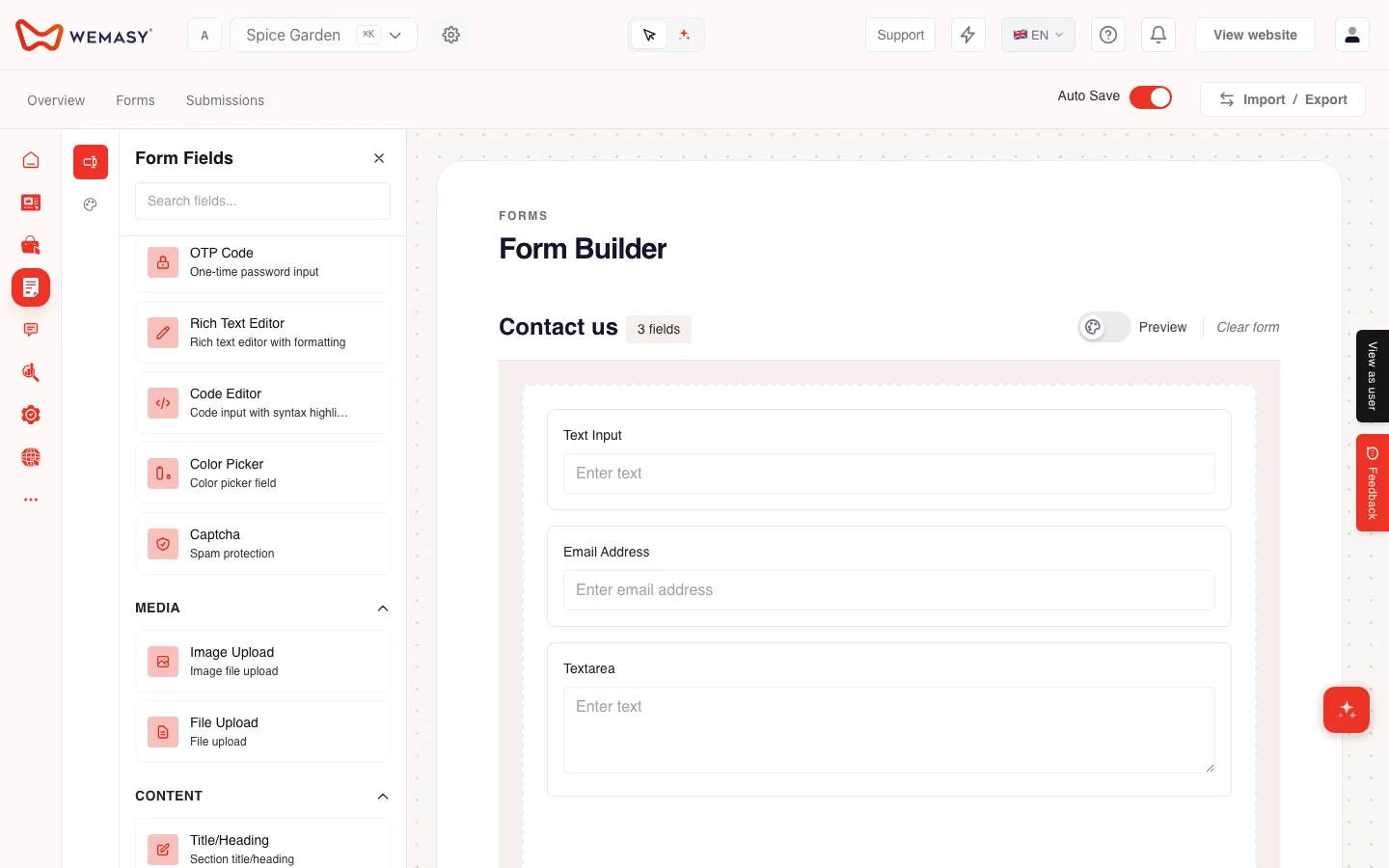
A form is a door that anyone on the internet can knock on. Spam and fake entries are the first problem it meets.
An invisible captcha runs on WEMASY itself. There is no outside service involved, and visitors do not have to solve puzzles.
Disposable email addresses are checked, so throwaway sign-ups are easier to spot.
Confirmations to visitors are rate limited, so your form cannot be used to flood someone's inbox.
What happens to your visitors' data
If your website collects details from visitors, you are responsible for them, and it helps to know who does what.
You are the controller of your visitors' data. WEMASY processes it for you.
Passwords are stored encrypted.
Session recordings are deleted after 30 days.
Decide what you really need to ask visitors for. The less you collect, the less there is to protect.
What WEMASY takes care of for you
Not every website owner wants to run servers, so WEMASY does that part.
Hosting and HTTPS. Your site, on the free wemasy.app address or on your own domain, is served from WEMASY's own hosting in a data centre in Amsterdam. Images and files come through a content delivery network. Every site is served over HTTPS, and the certificates are issued and renewed automatically.
Platform updates. WEMASY updates the platform itself in tested releases, so you do not have to update anything yourself.
A firewall. The servers run a firewall and automatically block abusive IP addresses.
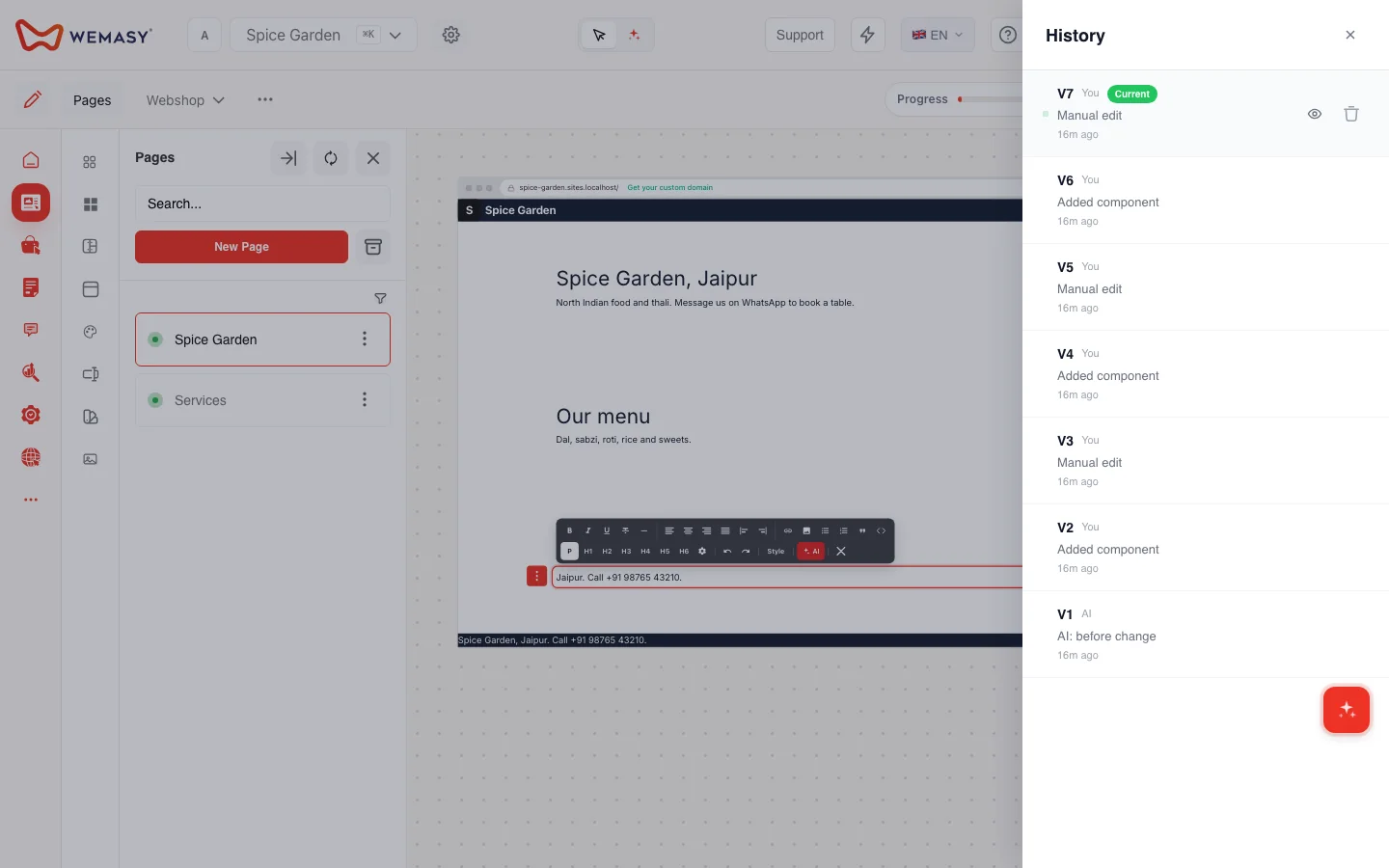
Versions and backups. Every time you save the content of your site, it is stored as a version that you can restore in the builder. A nightly copy of every site and its version history goes to separate cloud storage.
Logs and misuse checks. WEMASY keeps logs of access and security-relevant events to investigate misuse, and a misuse check watches live sites.
A short security checklist for your website
Switch on two-step verification and store your recovery codes safely.
Look at your active sessions and remove any you do not know.
Only invite people who need access, and remove them afterwards.
Read what the AI is about to do before you confirm a publish or a delete.
Ask your visitors only for what you need.
Frequently asked questions
Can the AI change or publish my website without asking me?
How do I protect my WEMASY account?
Does my contact form get spam?
Who is responsible for the details my visitors leave?
Can I let someone help me with my website?
If you want to see how this works in practice, open the AI chat in your WEMASY project and ask it to build your site, then look at your account security settings before you publish.