

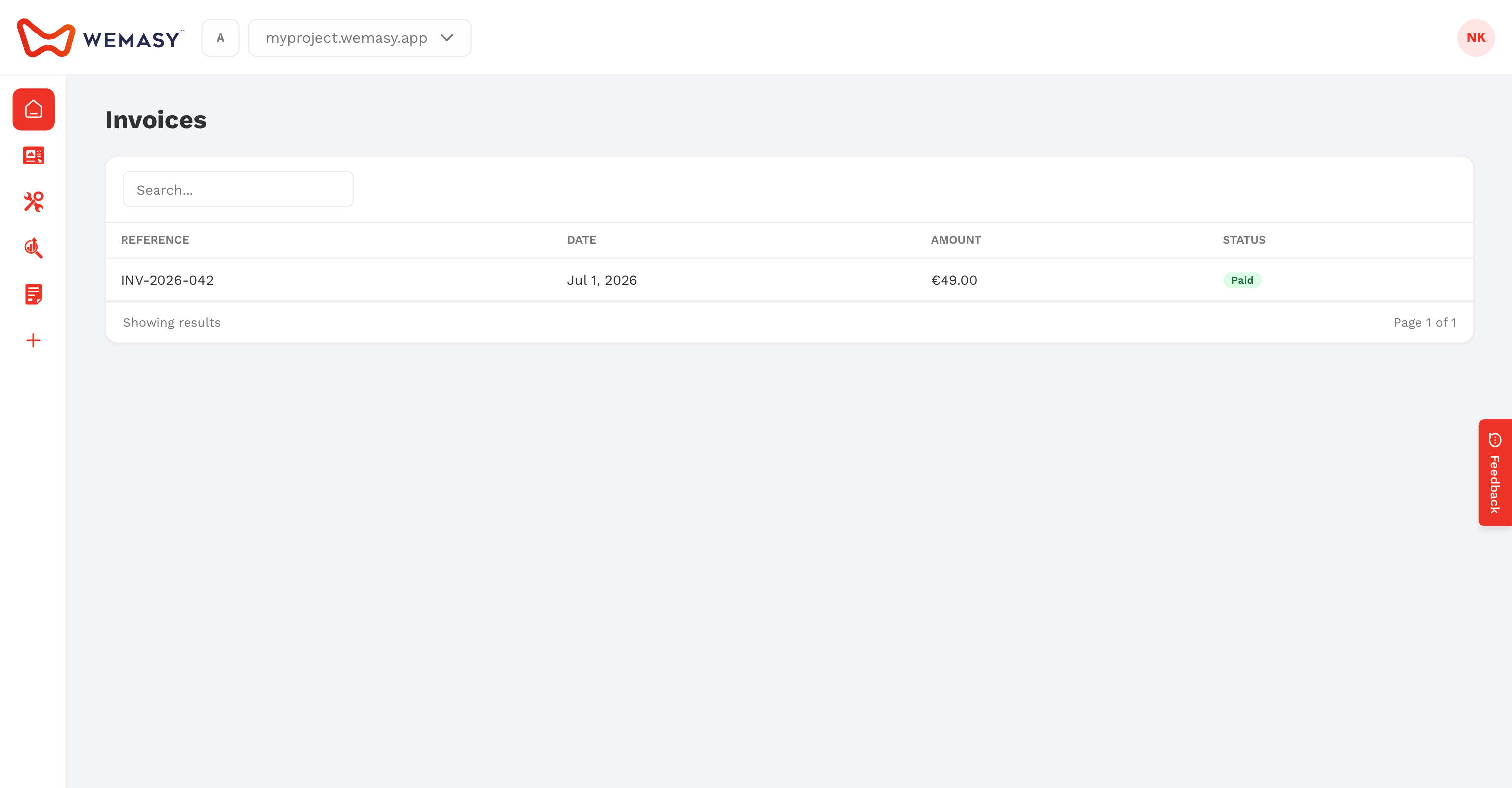
WEMASY creates an invoice for every payment you make, for all your projects. You find them on the Invoices tab of Billing & Invoices, where you can view, download and pay them. This article explains how.
Open your invoices
- Click your avatar or initials in the top right corner of the dashboard.
- Select Billing & Invoices.
- Click the Invoices tab.
What the list shows
- Invoice #: the invoice number.
- Project: the project the payment belongs to.
- Date and Due Date.
- Amount.
- Status: for example Paid, Pending, Overdue, Failed, Refunded or Partially refunded.
- Actions: what you can do with the invoice.
Find an invoice
Click Filter to narrow the list. You can filter by Project, Status, Due Date and Invoice Date. For dates you choose Equals for one day or Between for a range.
View or download an invoice
- Find the invoice in the list.
- Click View to open it.
- Click Download to save a paid invoice as a PDF.
The invoice uses the billing details in your account. To change the name, company, address or VAT number on future invoices, see Billing details and VAT.
Pay an open invoice
An invoice with the status Pending or Overdue has a Pay Now action. Click it to go to the secure payment page and pay. When the payment goes through, the status changes to Paid. See Failed payments and overdue invoices if a payment did not go through.
Refunds on an invoice
When you receive a refund, the invoice status changes to Refunded, Partially refunded or Refund issued. The Refunds tab lists every refund request with its status. See Requesting a refund.
Tip: download your invoices every quarter if you need them for your bookkeeping or tax return.
Frequently asked questions
I see a charge I do not recognize. What should I do?
Check the Project column first: each project has its own subscription. If it is still unclear, create a support ticket and include the invoice number.
Why is there no Download action on my invoice?
The PDF download is available for paid invoices. An open invoice shows Pay Now instead.